Introduction
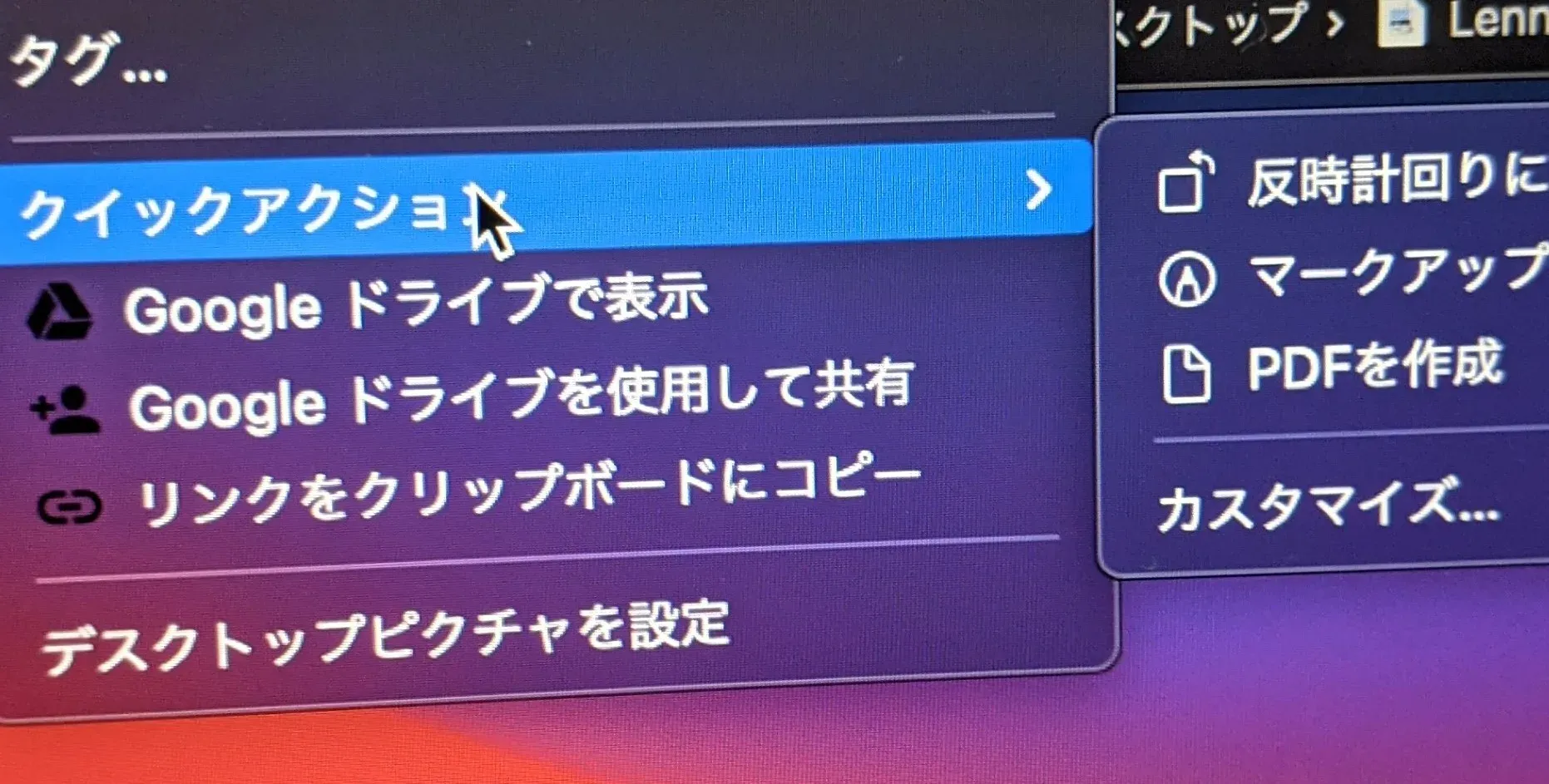 On the Mac I often use the Create PDF feature to combine images scanned by a scanner, and I sometimes fire up a Mac just for that (there are online tools too), so I wanted the same feature on Windows.
Environment
- Windows10
- Python 3.8.6
Code
The code is on GitHub. You need to write the location (absolute path) where you placed the Python file into the .bat file.
@echo off

if not "%~0"=="%~dp0.\%~nx0" (
     start /min cmd /c,"%~dp0.\%~nx0" %*
     exit
)

python G:\Python\PDF_creation_tool\create_pdf.py(this is the absolute path to create_pdf.py) %*
Setup
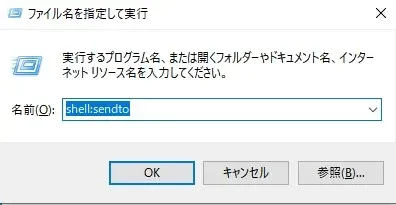
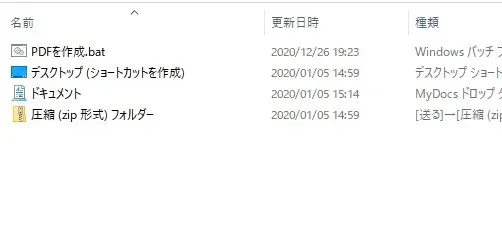
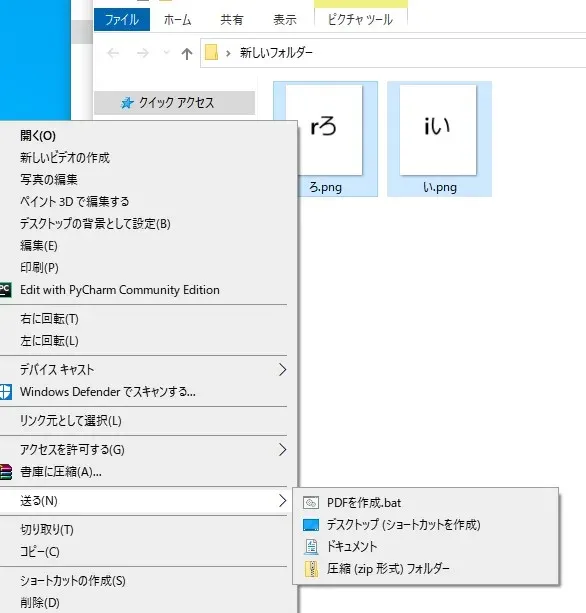
Press Windows key + R, type shell:sendto, and drop the .bat file into the folder that opens.
Testing It
Select two image files, right-click -> Send to -> Create PDF.bat
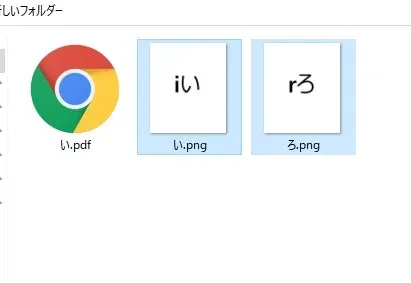
“い.pdf” was created.
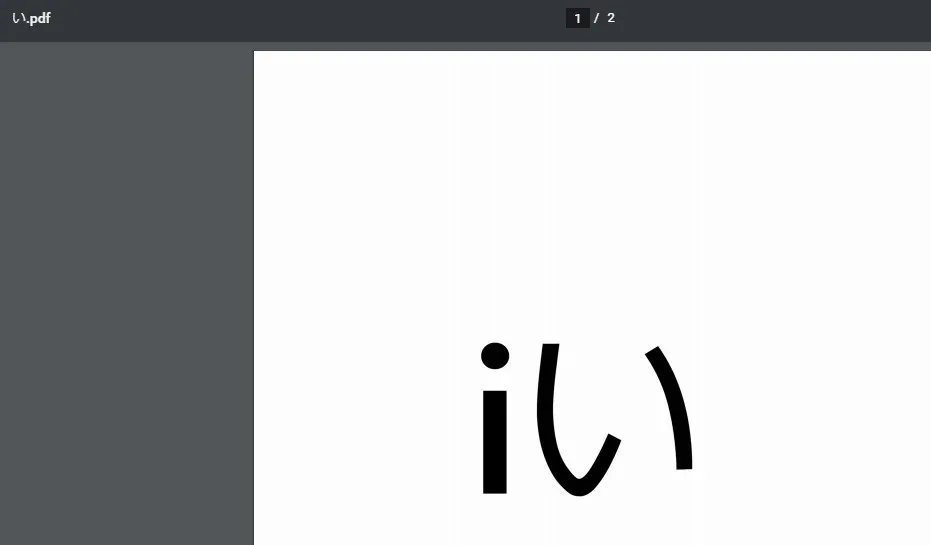
Opened in Chrome
Thoughts
The “Create PDF.bat” extension showing up in the right-click menu bothers me, so I tried making a shortcut or a symbolic link, but I couldn’t get it to work…
Productivity points: 90
References
http://dalmore.blog7.fc2.com/blog-entry-191.html https://uguisu.skr.jp/Windows/bat_nowindow.html