What prompted the replacement
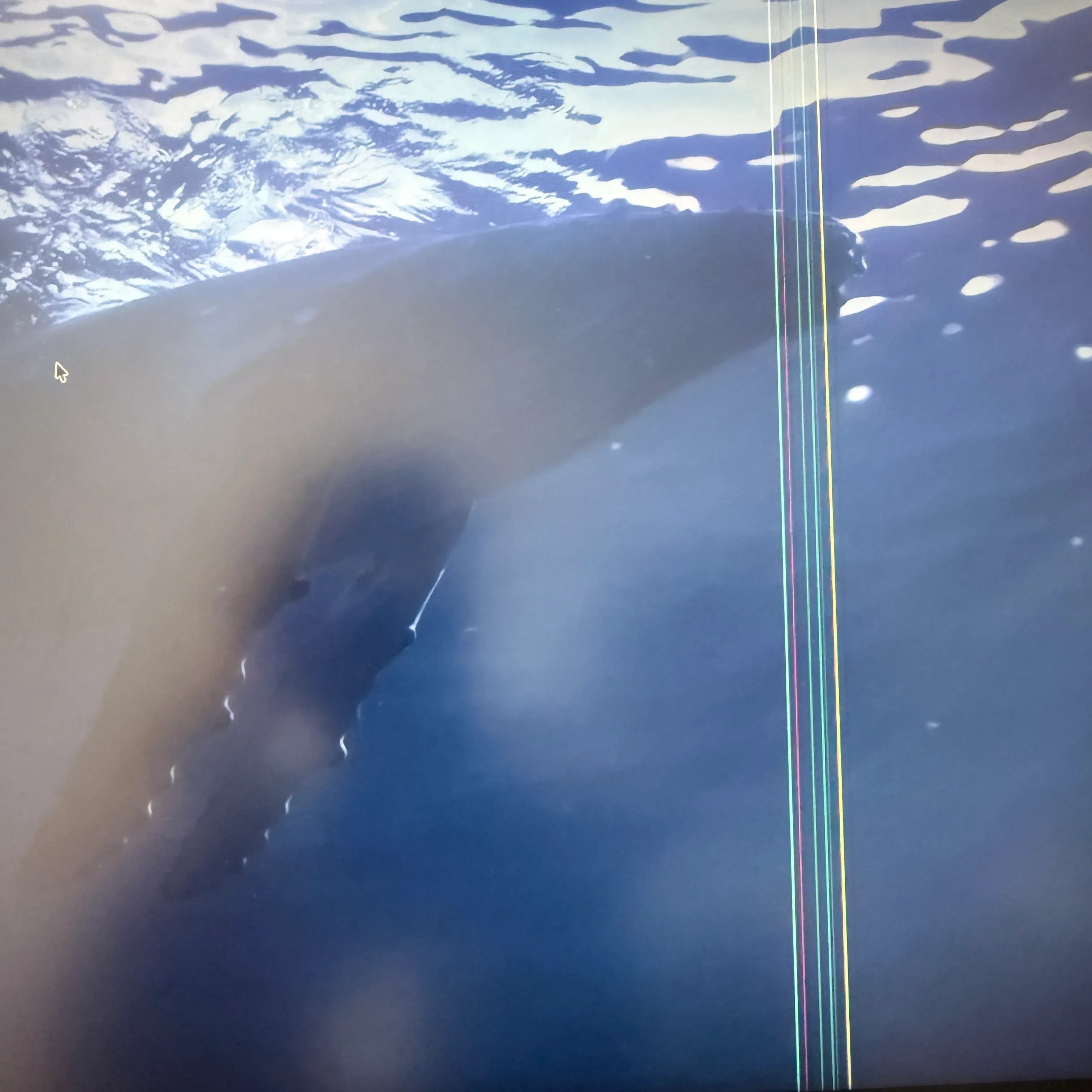
One day, a vertical line suddenly appeared on the screen of the Dell U2720QM I’d used for four years. (Probably got water on it.) Once I started noticing it, it was so distracting I couldn’t focus, so I gave up, figuring it was the end of the panel’s life, and decided to replace it.
I chose the Dell S2725QC-A, which is positioned as a kind of successor in the same 27-inch, 4K class. The trigger was the negative one of a breakdown, but the result was a very satisfying switch.
The model I chose: Dell S2725QC-A
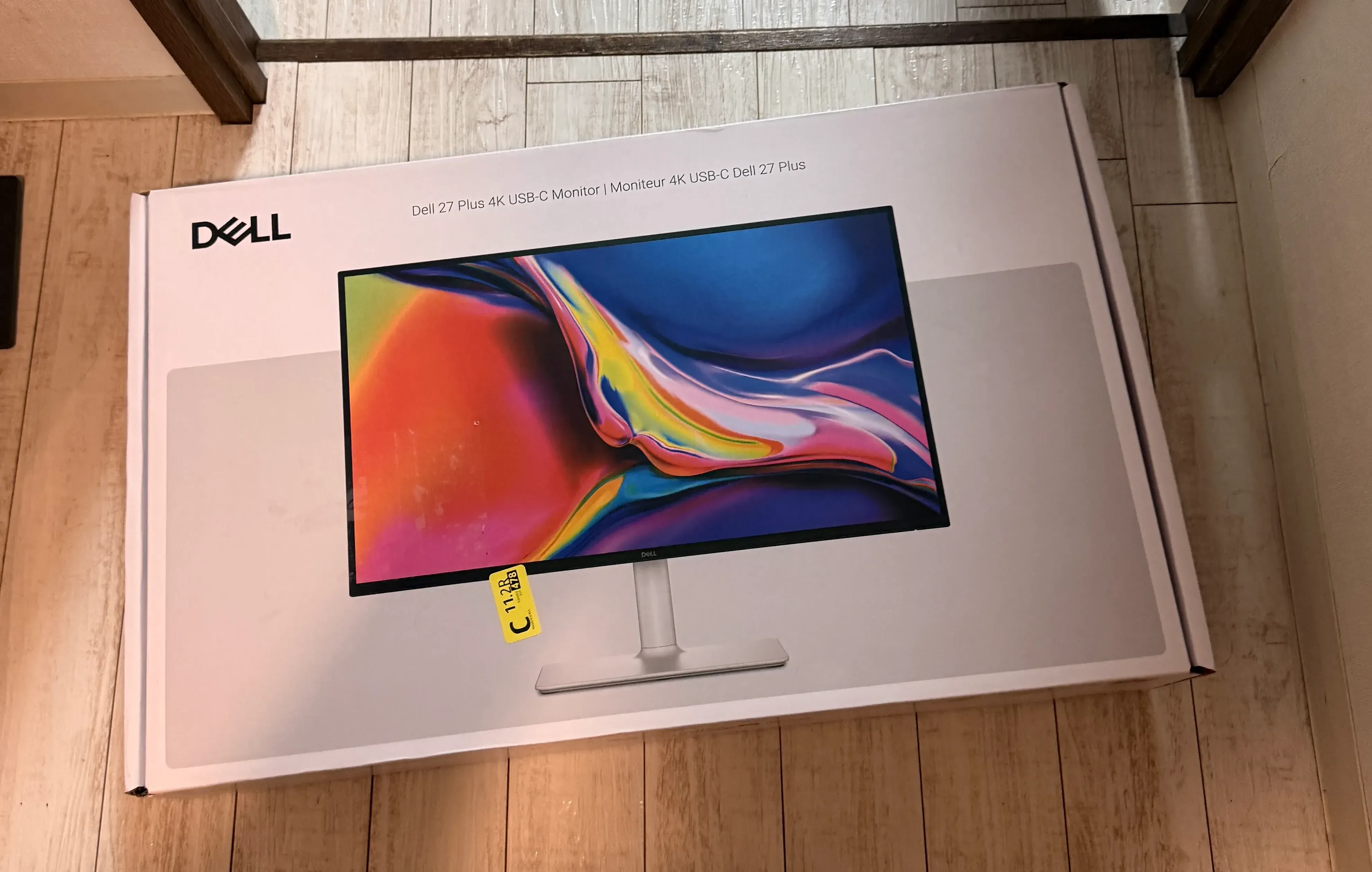
The basic specs of 27 inches and 4K are the same as the previous model, the U2720QM. Dell’s monitors are positioned differently by series, and this one falls into the more standard-oriented S series. The box says “Dell 27 Plus 4K USB-C Monitor,” with the model number S2725QC.
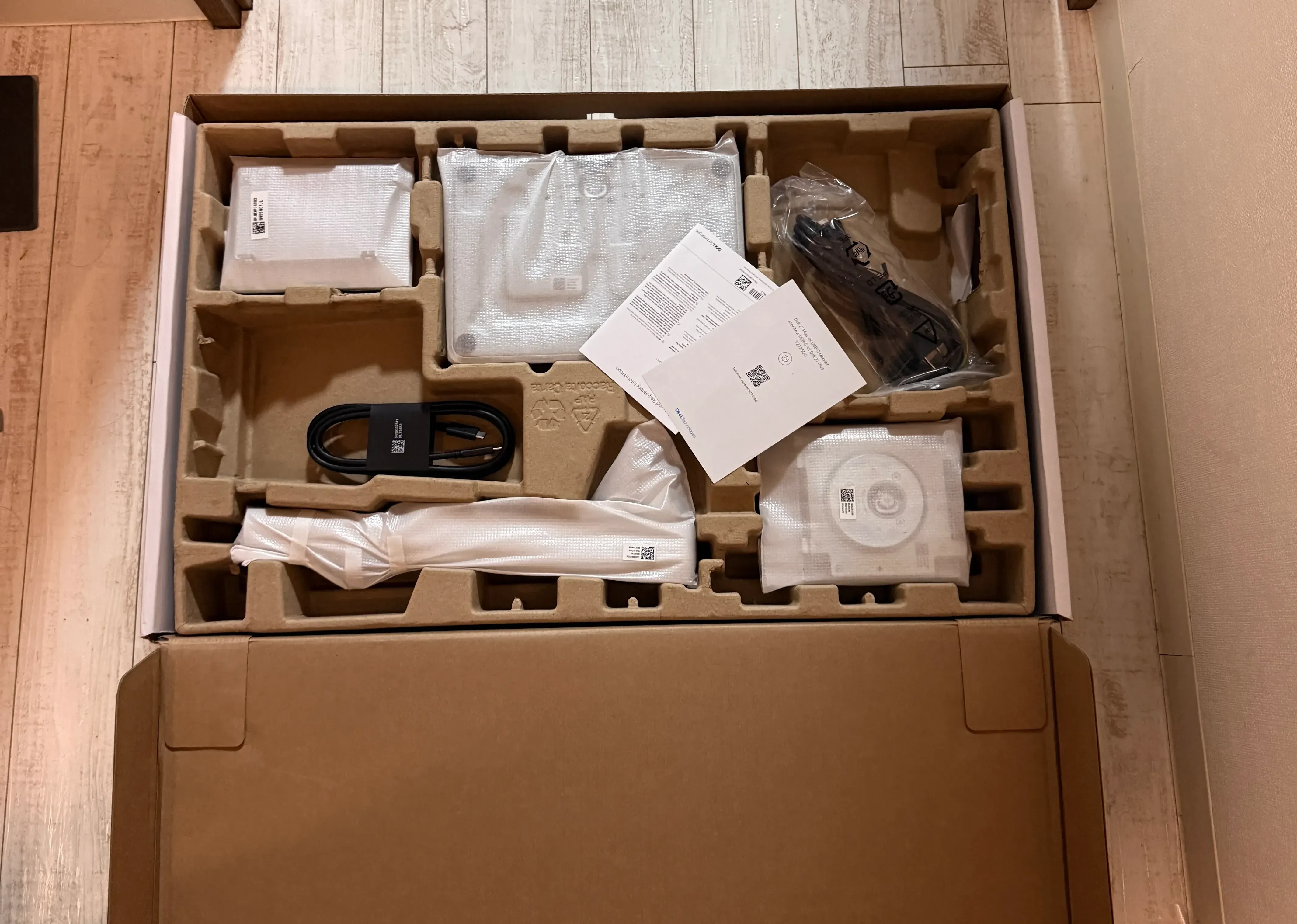
When I opened it, the stand and cables were all neatly packed.
Things I liked after using it
Buttery smooth at 120Hz
The previous model was 60Hz, but this one supports 120Hz. The number alone may not mean much, but the difference is clear in scenes like Mission Control, where windows all move at once. Everyday scrolling and window operations feel a touch smoother too. Once you get used to 120Hz, I feel like you can’t go back to 60Hz.
The image seems crisper
I have the impression that the display is crisper than before. When I tried showing a photo, it felt like the detail resolution had increased.
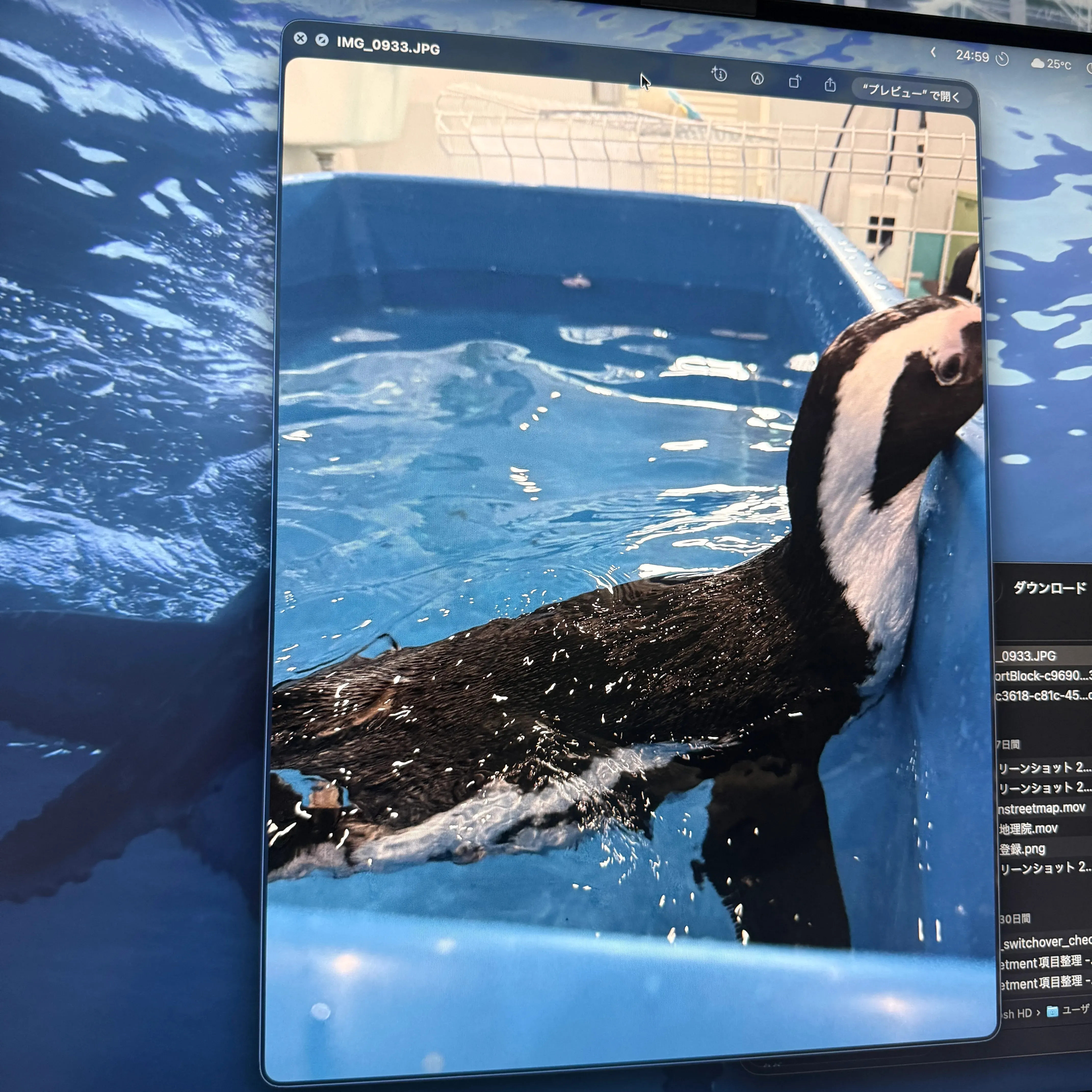
That said, I can’t say for sure whether this comes from a generational difference in the panel or from a difference in the initial settings. It could be my imagination, so I’ll write it down strictly as a subjective impression.
Things that bothered me
The build quality and premium feel are better on the previous model
Honestly, the previous model, the U2720QM, wins here. The U2720QM had a more premium feel to the chassis. This one’s back is white, which is purely a matter of taste, but personally I preferred the black-based previous model, which looked more tightly put together.
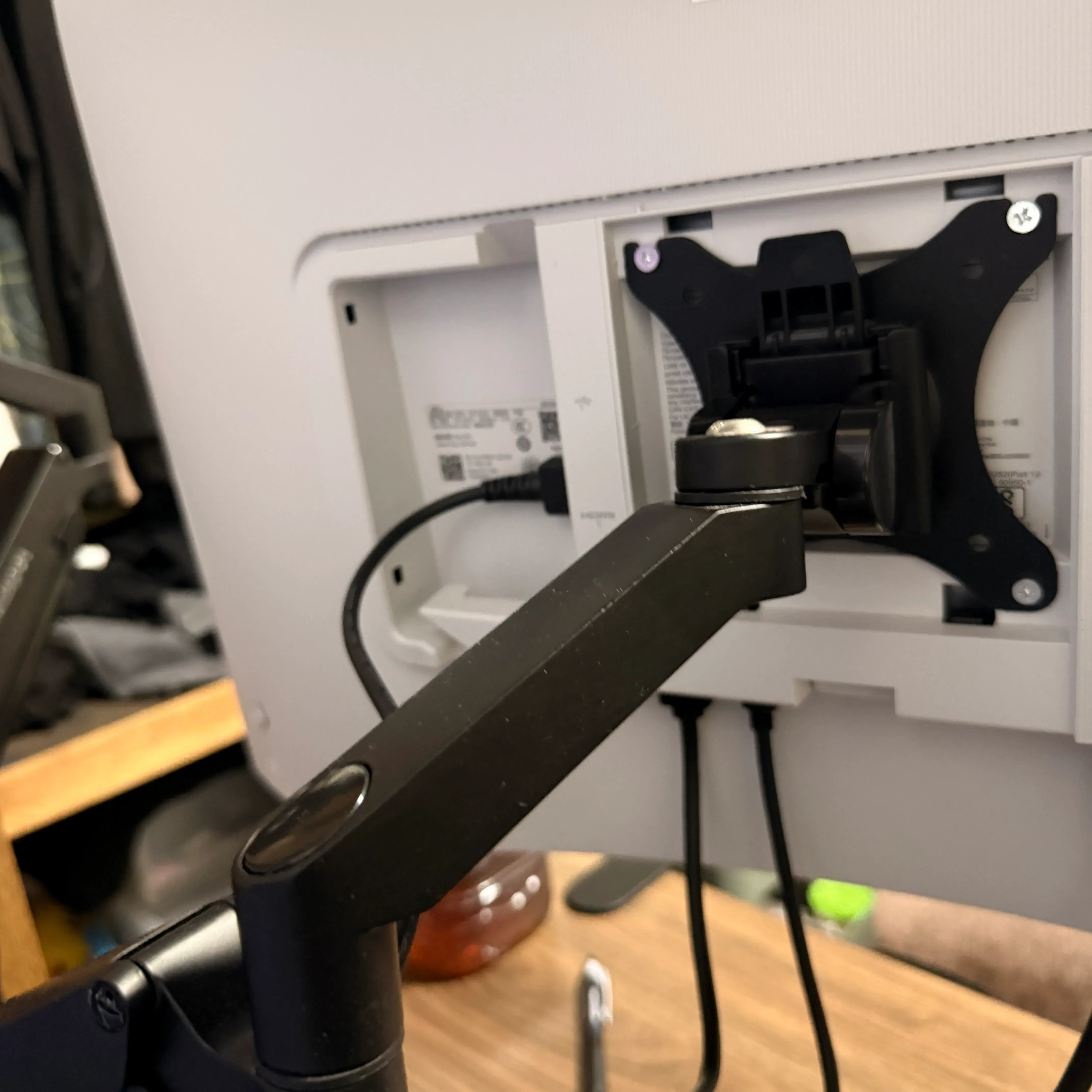
The action buttons feel cheap
The control buttons changed from the previous model’s physical buttons to a stick type. This itself is a modern spec, but the cheap “clunk” sound it makes when you press it in bothers me a little. It’s a part you touch many times when fine-tuning settings, so I wish they’d tried a bit harder on the build quality here.
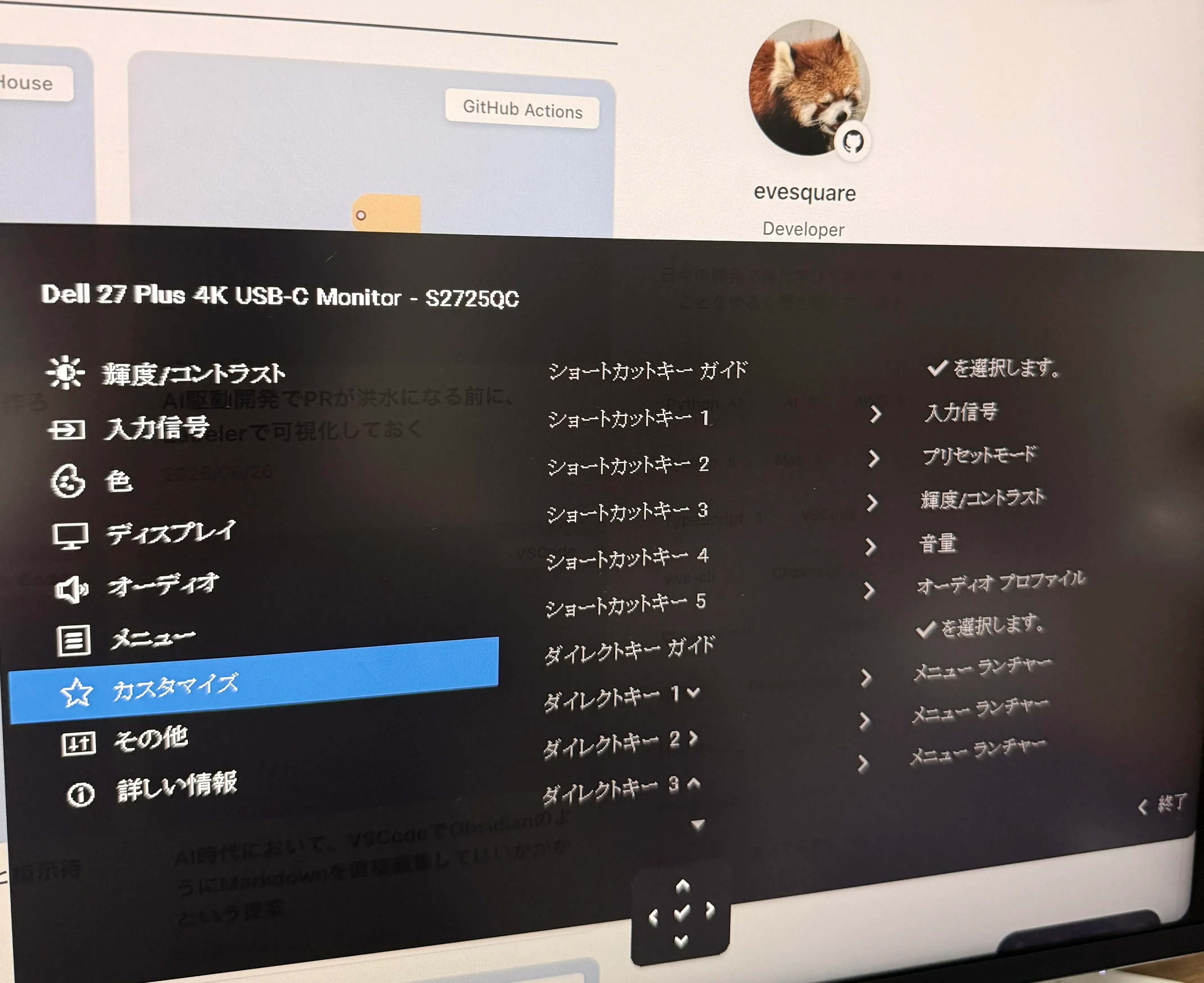
Changes around accessories and layout
The placement of ports and accessories also changed in several ways from the previous model.
First, the included USB-C cable is longer, which was a quietly welcome point.
The port layout also changed. On the previous model, the USB-A and USB-C ports were on the side, but on this one they’re on the underside of the monitor and pop out when you push them in. When I suddenly want to plug in a USB device, the side was easier to use—that’s my honest impression.
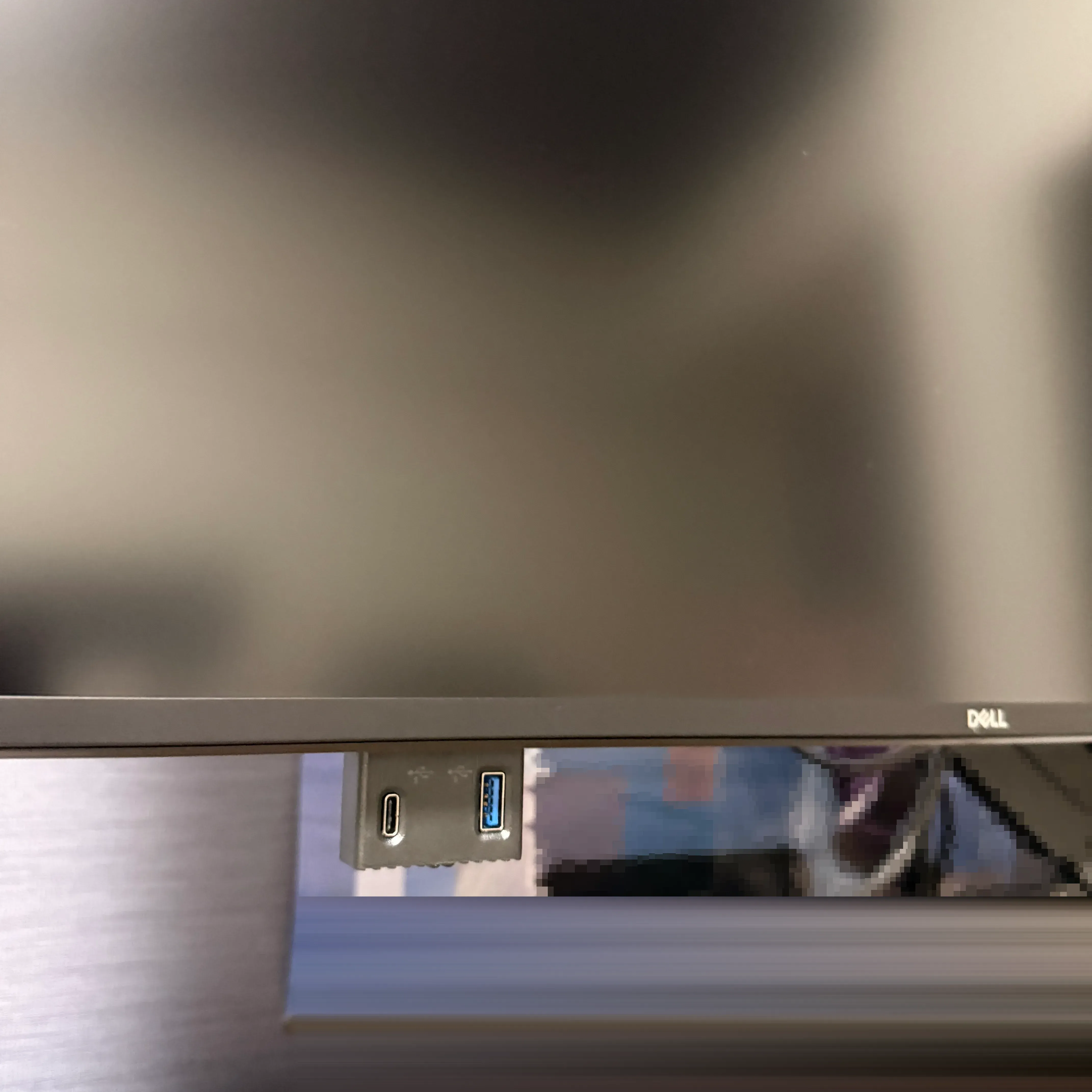
The port layout on the back also changed, with USB-A dropping from two to one. On the other hand, HDMI increasing to two is a welcome change. Since I can keep multiple devices connected, usability improved over the previous model here.
Summary
The trigger was a breakdown, but once I switched, it turned out to be a satisfying replacement. The smoothness of operation from going to 120Hz has an appeal you can’t go back from once you experience it.
On the other hand, there were also parts that felt like a step back from the previous model, such as the chassis build quality and the cheapness of the control buttons. The framing of a trade-off between the benefit of 120Hz and build quality feels apt.
For anyone considering an upgrade from the U2720QM generation, I don’t think you’ll have major complaints about image quality or basic performance. Do you take the high refresh rate, or the chassis build quality? That seems to be where the decision splits.
I haven’t dialed in the color yet, but the default state feels a bit green to me. I plan to adjust this kind of thing gradually going forward.