Introduction
When checking form validation and the like, you sometimes need to upload a 100MB or 1GB file. Preparing an actual file for that is a hassle. So here’s how to easily create mock files on a Mac.
How to Create Them
Macs come with a command called mkfile. With it, you can create an empty file of a specified size. Running the command below creates a 1GB file. (Any extension works fine.)
$ mkfile -n 1g foobar.pngCreating a 1GB file
$ mkfile -n 2m fizzbuzz.pdfCreating a 2MB file

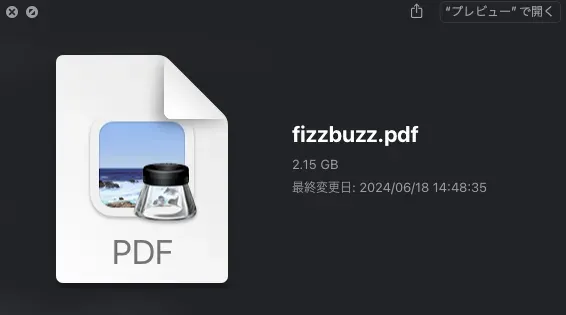 Of course, the file has no contents.
Conclusion
That’s how to easily create mock files on a Mac. It’s very handy since you can create empty files with a specified size. Give it a try.