Here’s how to view the source code of a Chrome extension in your browser.
Steps
I’ll use a Chrome extension I made, Google Scholar Dark Mode, as a test subject to explain this.
First, open the Chrome extension’s page and get the extension’s URL. Then use a tool called crxviewer to view the extension’s source code.
CRX Viewer
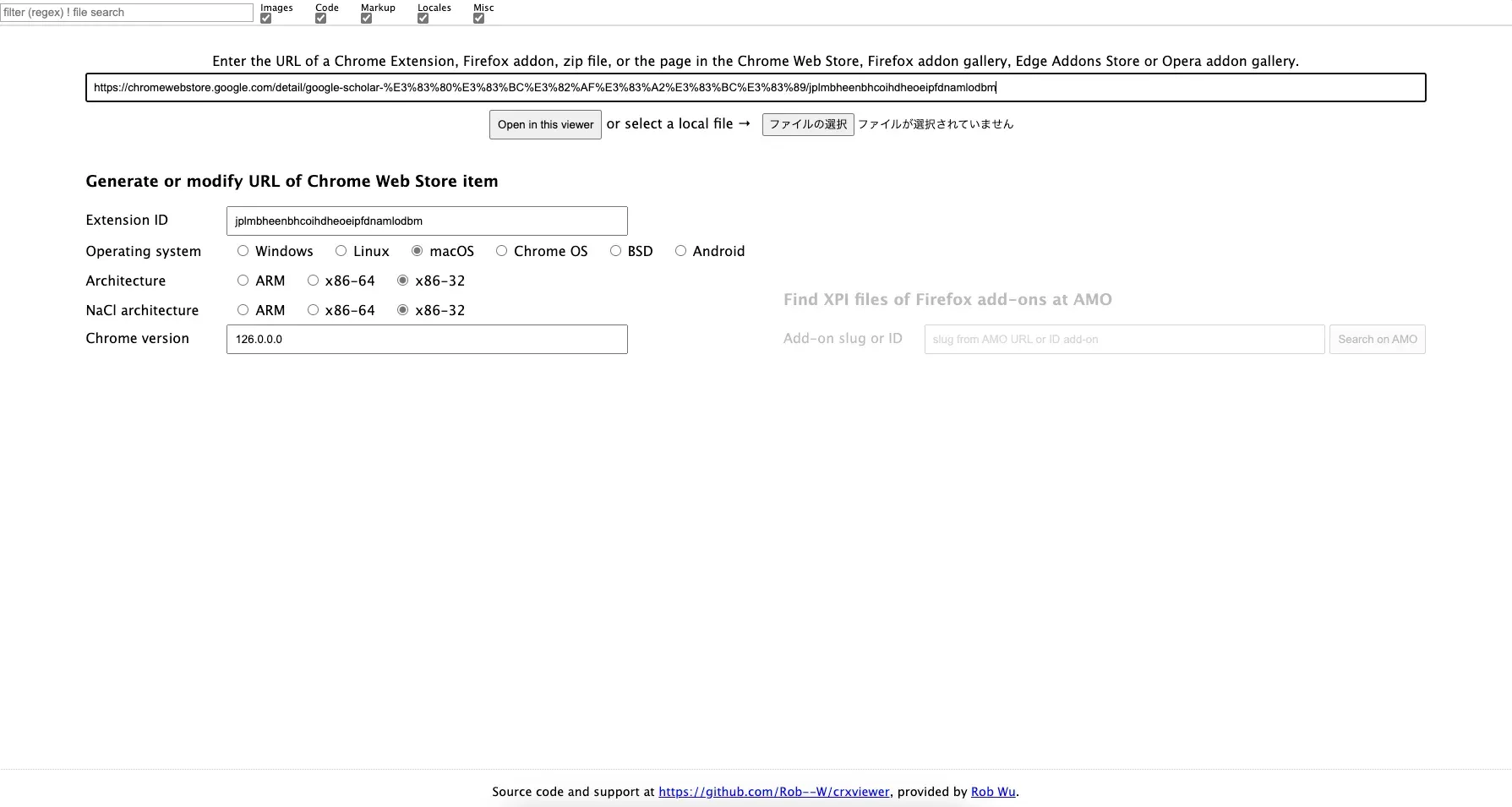
Enter the URL you got earlier and click the Open in this viewer button.
The analysis starts, and the extension’s source code is displayed.
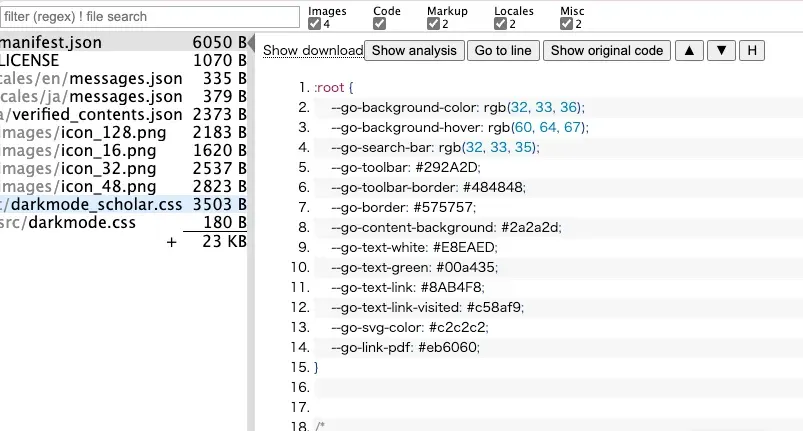
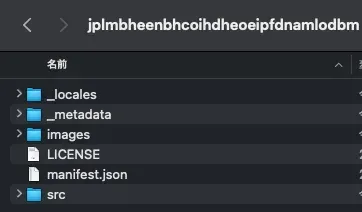
You can also download it.
Conclusion
If the extension doesn’t use build tools like Webpack or Babel, you can view the source code of a Chrome extension. However, if build tools are used, the source code may be obfuscated.